Mr. Mena Shicoril
أستاذ مينا شيكوريل
A whole teaching operation for a social studies teacher: a control panel that runs groups, lessons, attendance, exams, subscriptions and payments, and an installable student portal on the other side of the same API. Any registered number — the student’s or the parent’s — opens the same file.
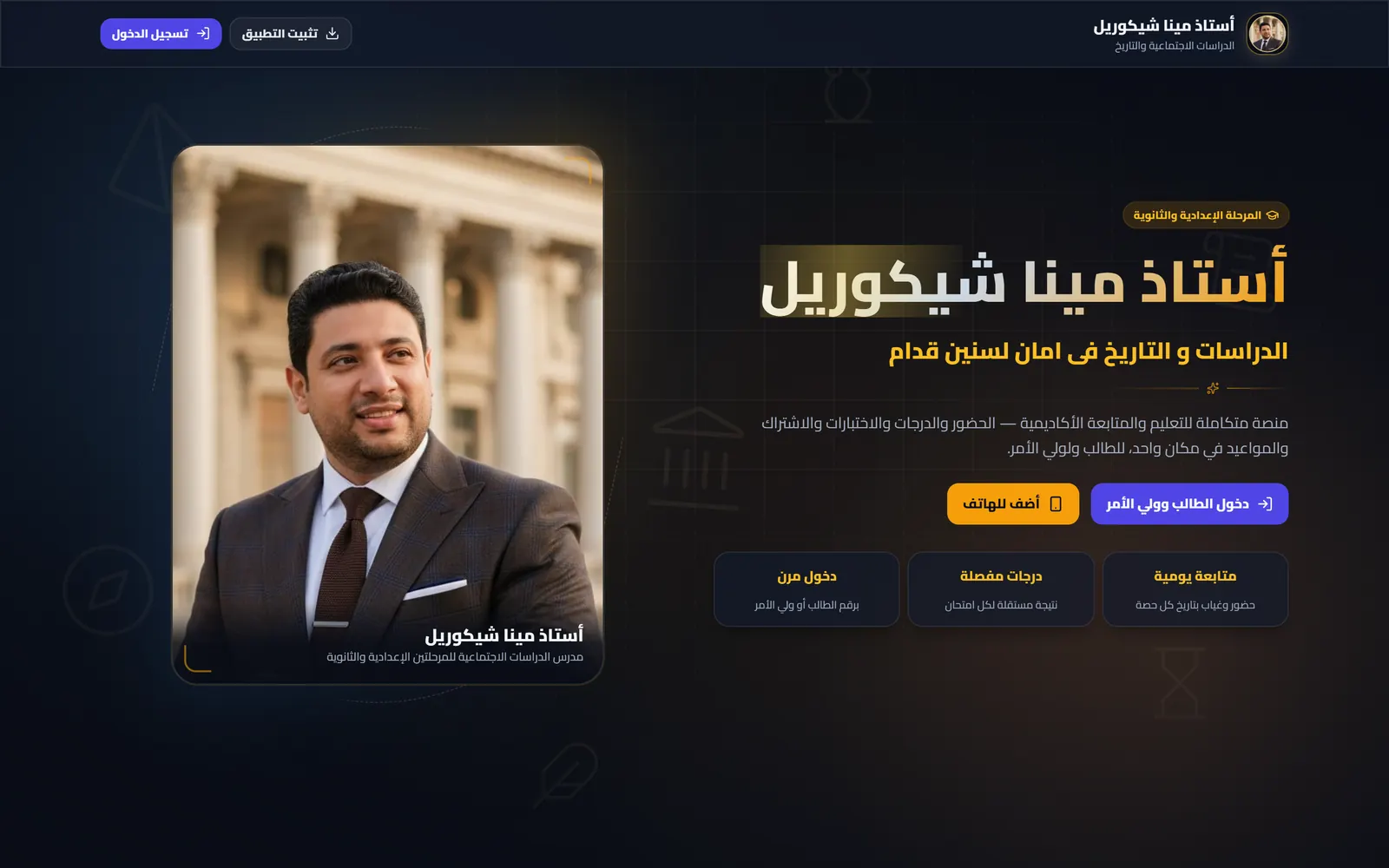

One record the teacher runs and the parent can open.
The record was the product, so the record had to be right.
In private tutoring the money, the attendance and the marks usually live in three different places: a notebook, a WhatsApp thread, and the teacher’s memory. Every question a parent asks — how many sessions are left, why a mark dropped, what is still owed — has to be reconstructed by hand.
So the work was not a screen. It was deciding what a session, a result and a payment actually are, then enforcing those decisions in the database and the API rather than in the interface. The teacher’s panel and the student’s portal are two windows onto that one record — and the parent, who pays for the course and normally sees the least of it, gets a window of their own.
Three surfaces over one record.
A Laravel API in the middle, a control panel for the teacher on one side, and a read-only portal for the student and the parent on the other.
The teacher’s panel
Where the day actually runs: the academic structure, the students, the register, the marks and the money — nine screens, not a settings page bolted onto a website.
- Groups with weekly schedules that generate their lessons
- Attendance and exam sheets for a whole group at once
- Subscriptions, payments, reports and settings
The student and parent portal
The same record, read-only, installed from the browser. A student number or a parent number signs in to the identical file, so there is no second account to keep in step.
- Attendance, marks and the subscription balance
- Schedule and a notification feed
- Web push straight to the phone
The API and the rules
Every rule below lives here, not in a form validator. Teacher and student hold different token abilities, so the portal cannot reach a write route even by accident.
- Separate teacher and student token abilities
- Rate-limited sign-in on both routes
- A scheduled job for expiry, closing and reminders
The decisions that make the record worth trusting.
Each of these is enforced in the schema or the API, and each has a test that fails if it stops being true.
Prices freeze at enrolment
The plan name, price and session counts are copied onto the subscription when it is created, so re-pricing a package never rewrites a subscription somebody already agreed to.
Partial payments add up
The paid amount is the sum of the payment rows and is recalculated after every one. Nobody types a running total, so it cannot drift.
An excused absence costs nothing
Whether a session is consumed is its own flag on the attendance row, and which cases consume one is a setting rather than a rule buried in code.
A missed exam is not a zero
A result is pending, graded, absent, not taken, or an explicit zero. Absence never becomes a mark on its own — the teacher has to mean it.
One phone, one student
A unique index on the number makes a duplicate account impossible at the database, and every number on a file — the student’s and the parent’s — opens that same file.
The portal can only read
The student token carries a read-only ability and its own student id, so it cannot ask for anybody else’s file — and a suspended student’s open session stops working on the very next request.
On the home screen — and a fix that actually arrives.
The portal ships as an installable progressive web app. A student opens the site, chooses “add to home screen”, and from then on it launches like any other app — same account, same data, no download and no store review sitting between a fix and the student receiving it. For an audience on mixed and often older Android hardware, that removes the two things that usually block adoption: storage space, and the store itself.
The service worker is written by hand rather than generated, because the default behaviour is a trap: a new version installs and then waits for every tab to close, and somebody who never closes the app stays on the old build no matter what is deployed. This one takes over immediately, API responses are never cached, and push notifications reach the phone. On the teacher’s side messages are written to a queue as the event happens — an absence, a mark, a payment — and go out through a WhatsApp device paired by QR from the settings page.
More work



Have a project like this one?
Tell us what you're building and we'll come back with how, what it takes, and how long.
Start Your Project